Yonder
The geography app I built for my own kid.
I homeschool, and what actually teaches a kid isn't an app that drills — it's the back-and-forth of sitting beside them: introduce one thing, let them try, nudge when they're close, then come back to it until it sticks. I couldn't find software that taught that way, so I built Yonder — the 50 states, their capitals, and the landforms between them, for grades 4–6.
— A dad who homeschools
- No ads, no trackingNothing is ever sold to your child.
- No subscriptionOne small one-time purchase — that's all.
Half a dozen ways to actually do geography
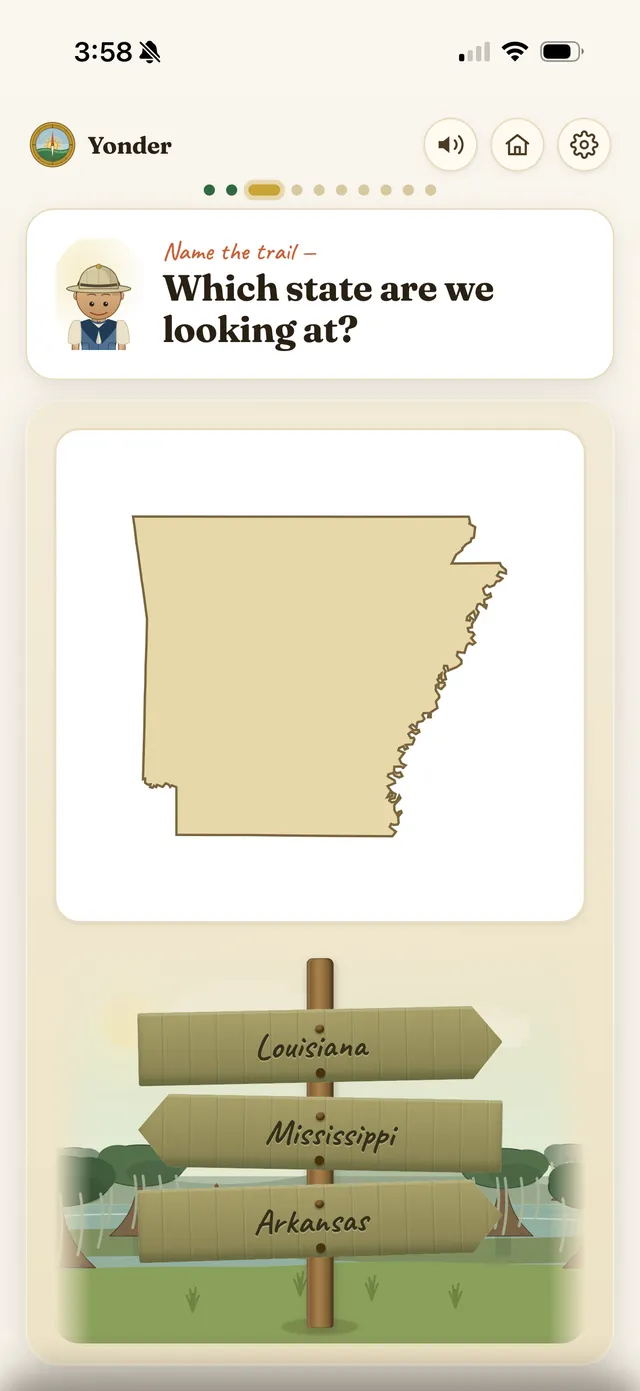
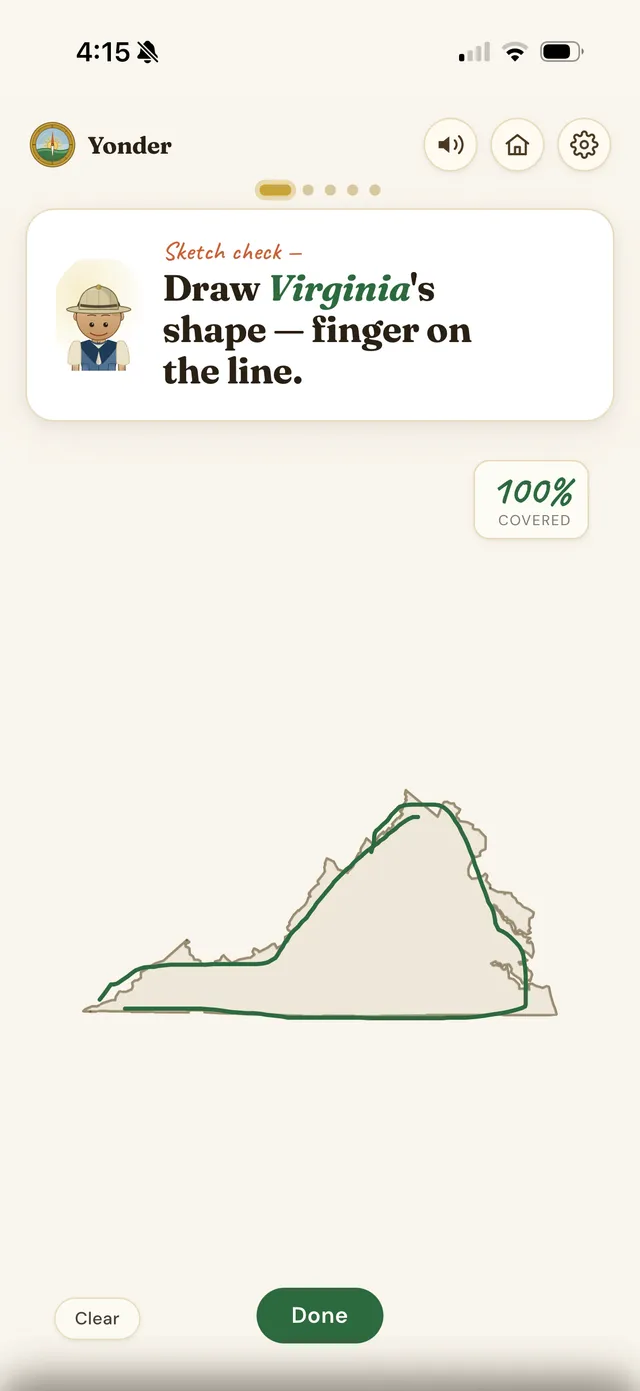
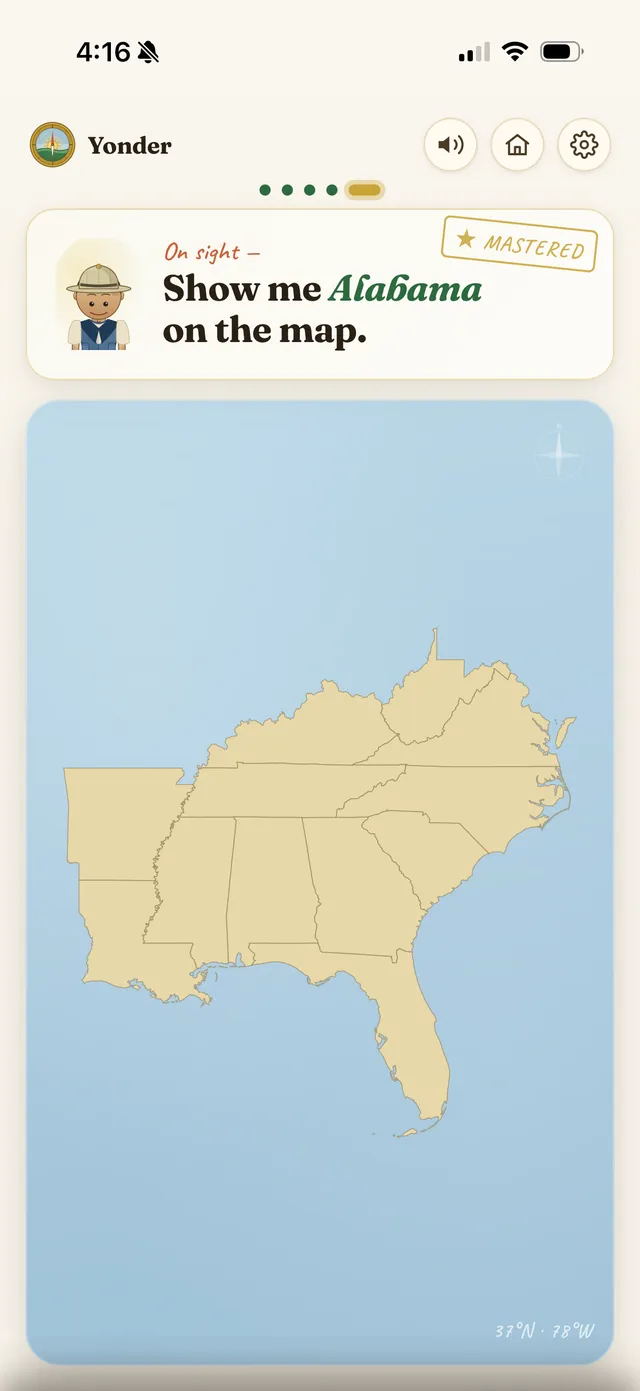
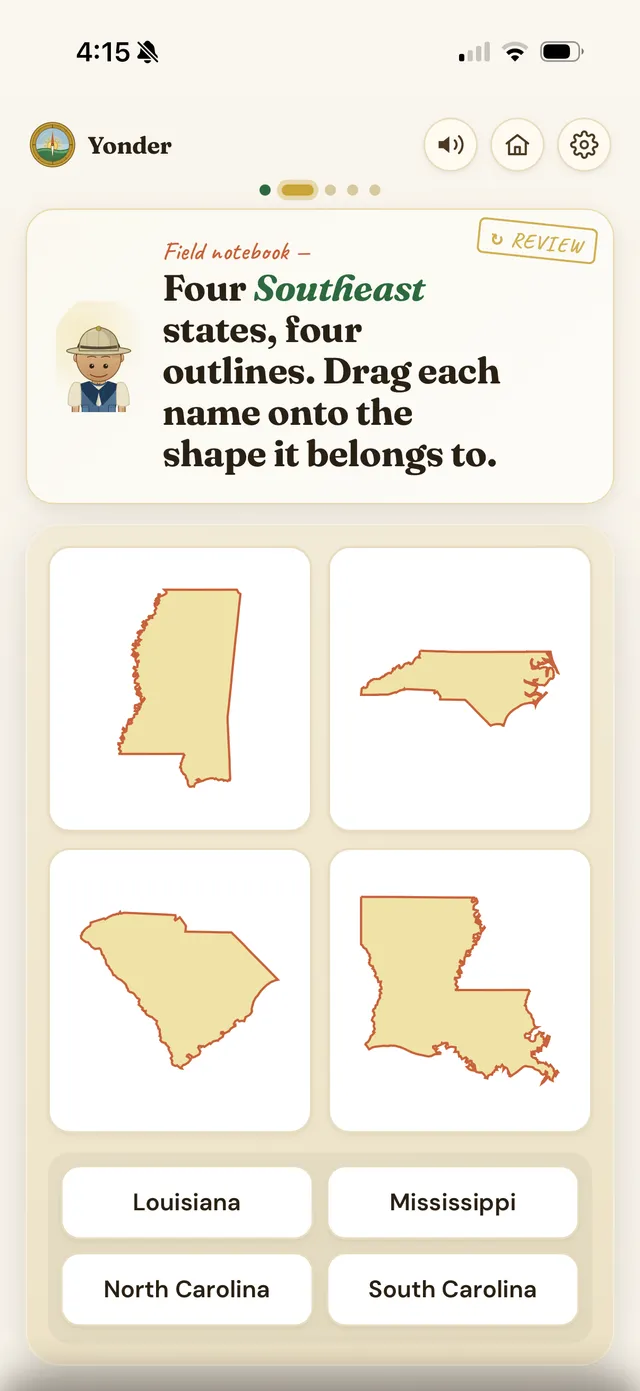
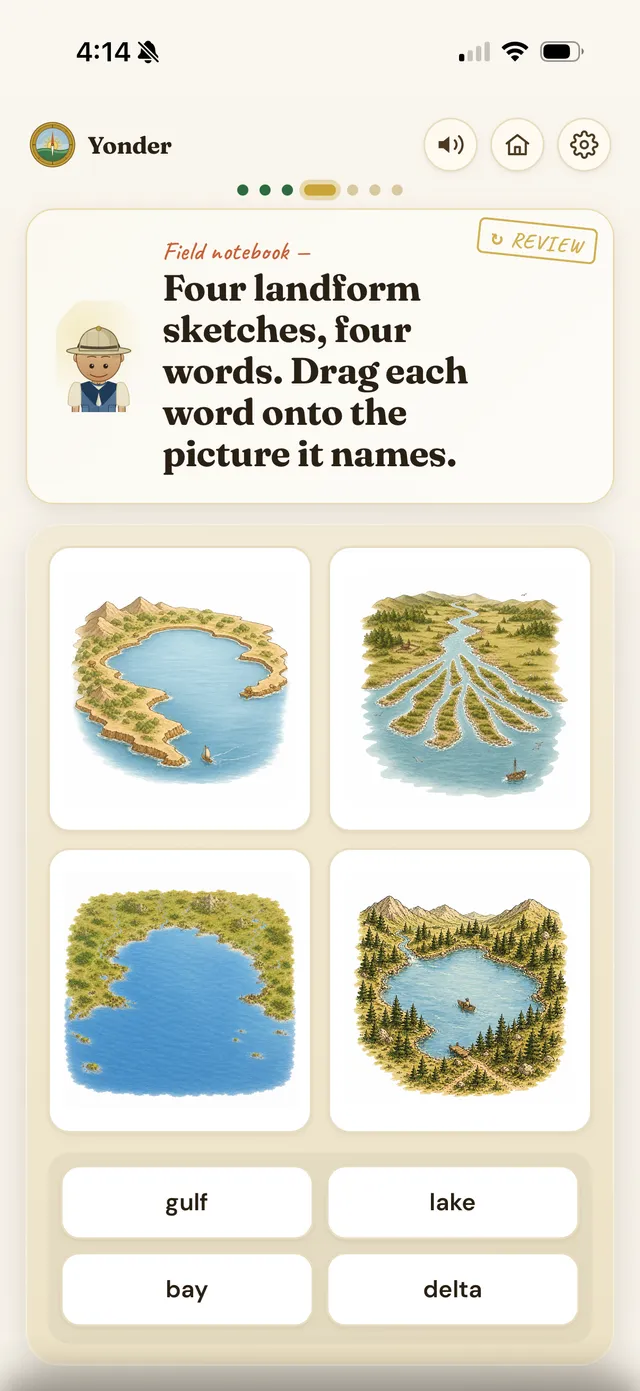
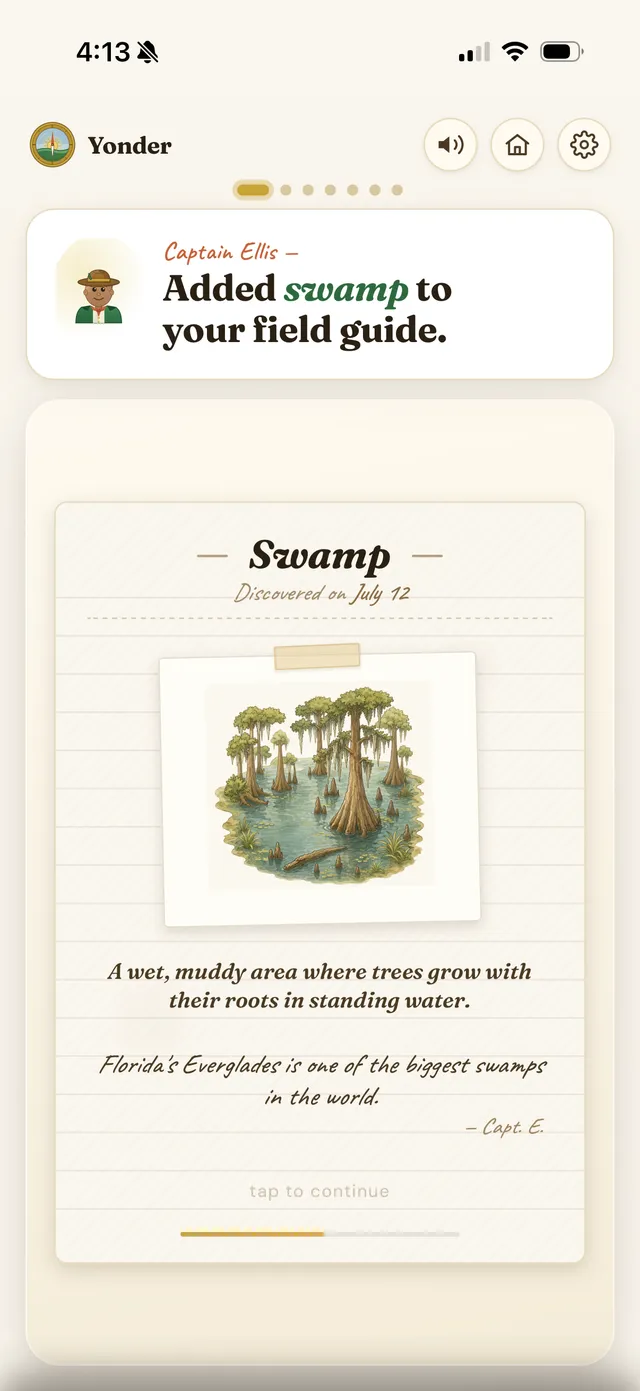
Kids don't just tap A / B / C. They trace, place, circle, and pin — the active practice that makes knowledge stick and keeps a session from ever feeling like a worksheet on a screen.
A world worth exploring
Learning earns something real — a home base that grows as you go, and a companion for every state you master.
A camp that grows as you explore
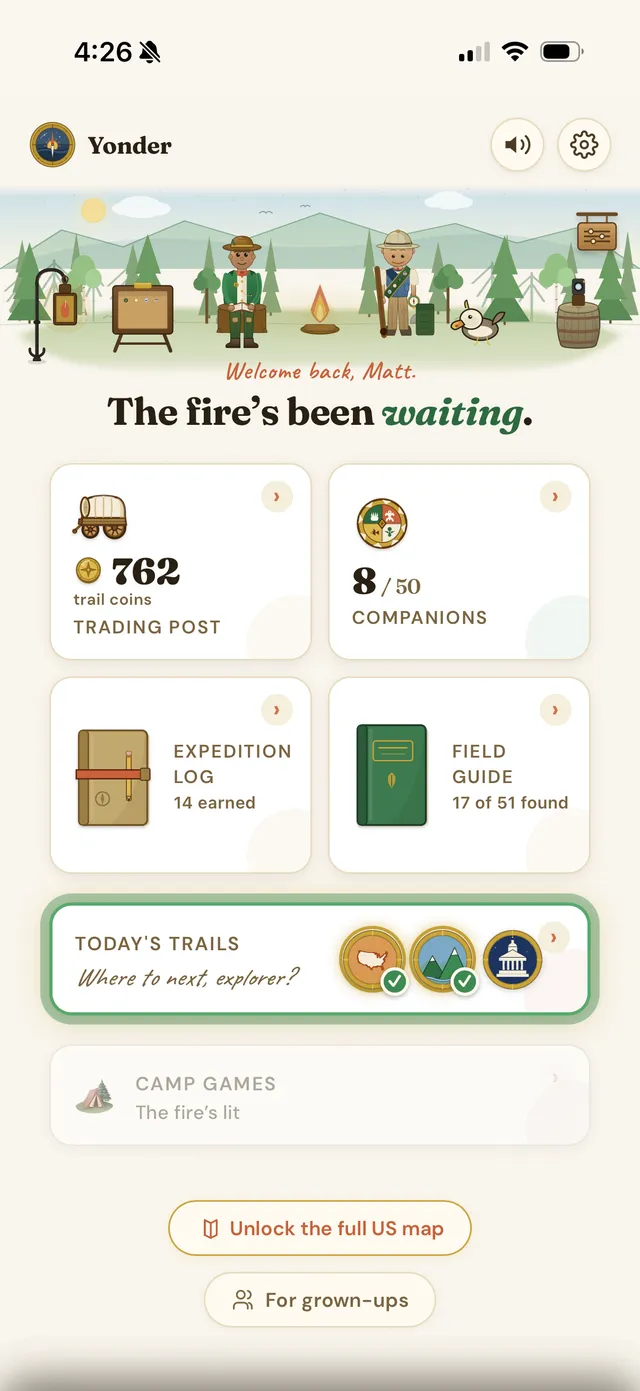
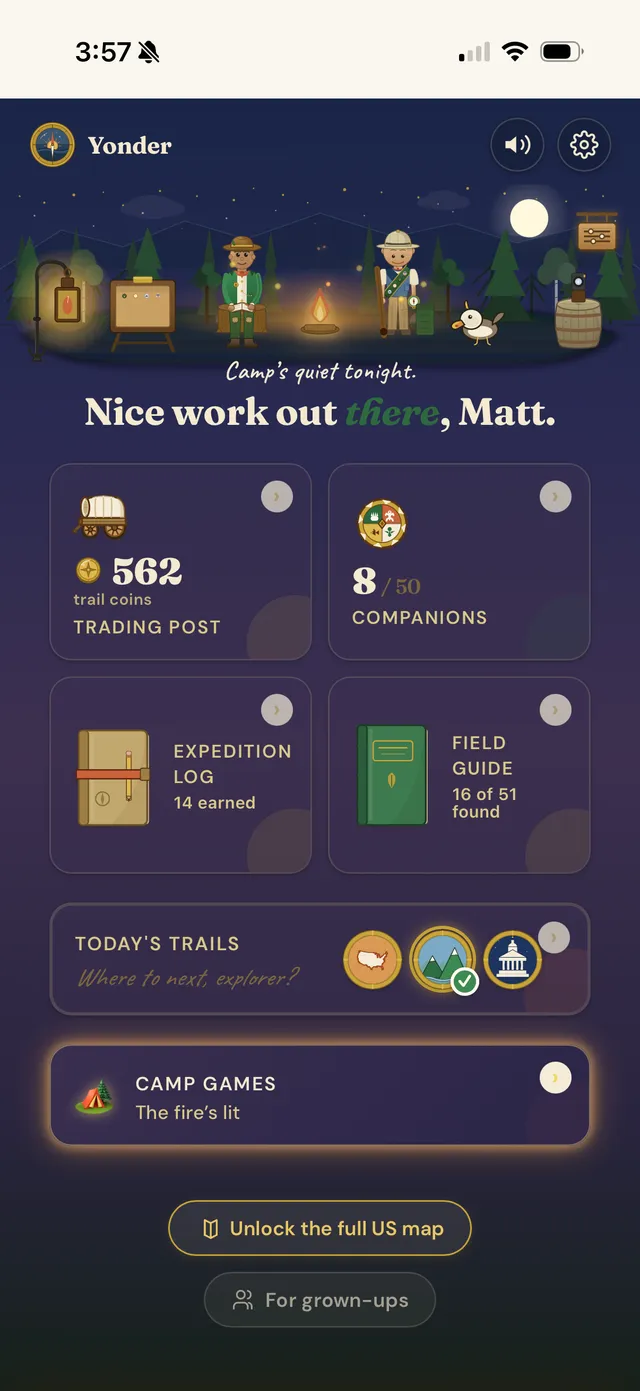
Every discovery earns Trail Coins and fills in a base camp a kid makes their own — a warm reason to come back, never a streak to protect.
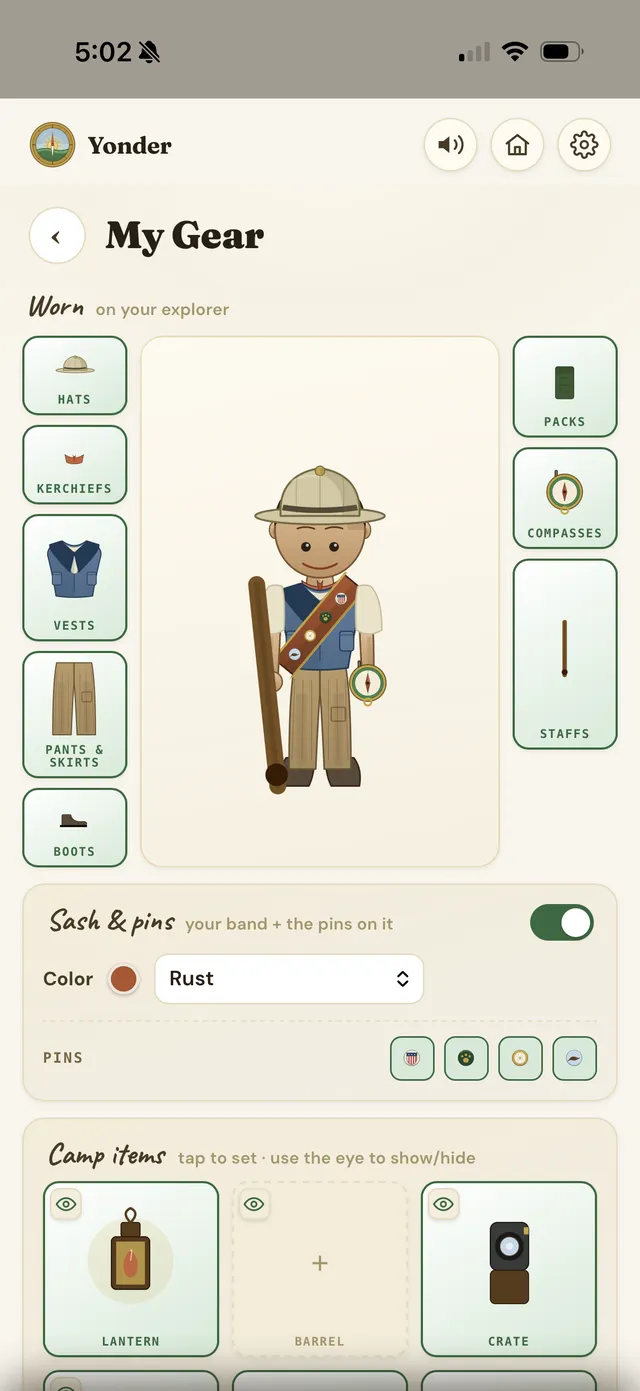
- A camp you decorate — props and gear fill in as you explore.
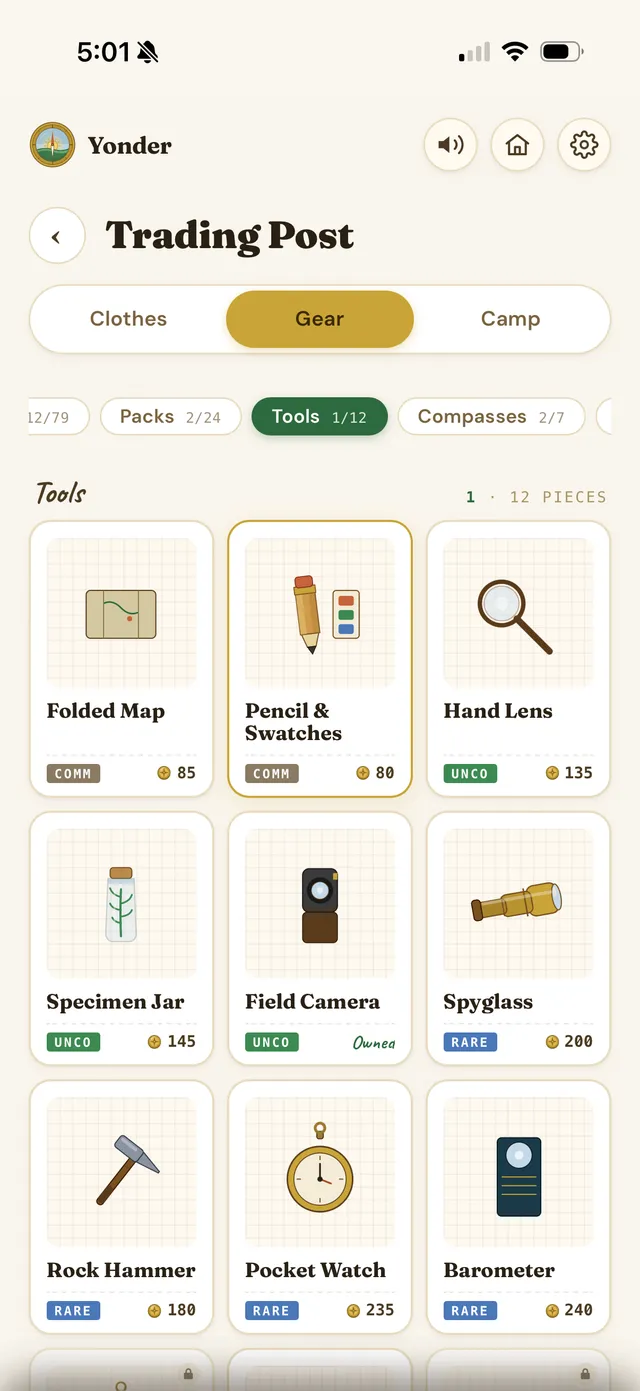
- A character you outfit — clothing, packs, tools, and a merit sash.
- The Trading Post — spend Trail Coins to kit out your crew.
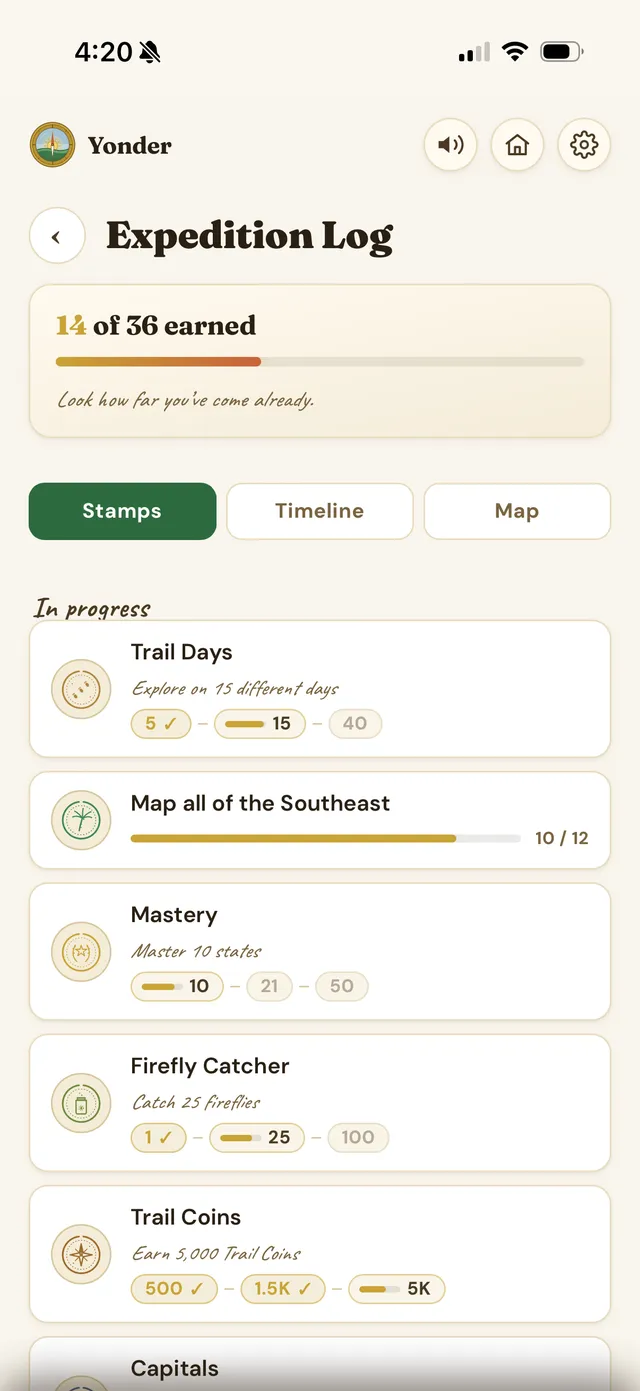
- Passport stamps — every milestone, in a real Expedition Log.
Companions for all fifty states
Master a state and its animal joins your crew — a whole illustrated bestiary that fills in, one region at a time. Kids remember a place because they befriended its creature, not because they drilled it.
befriend
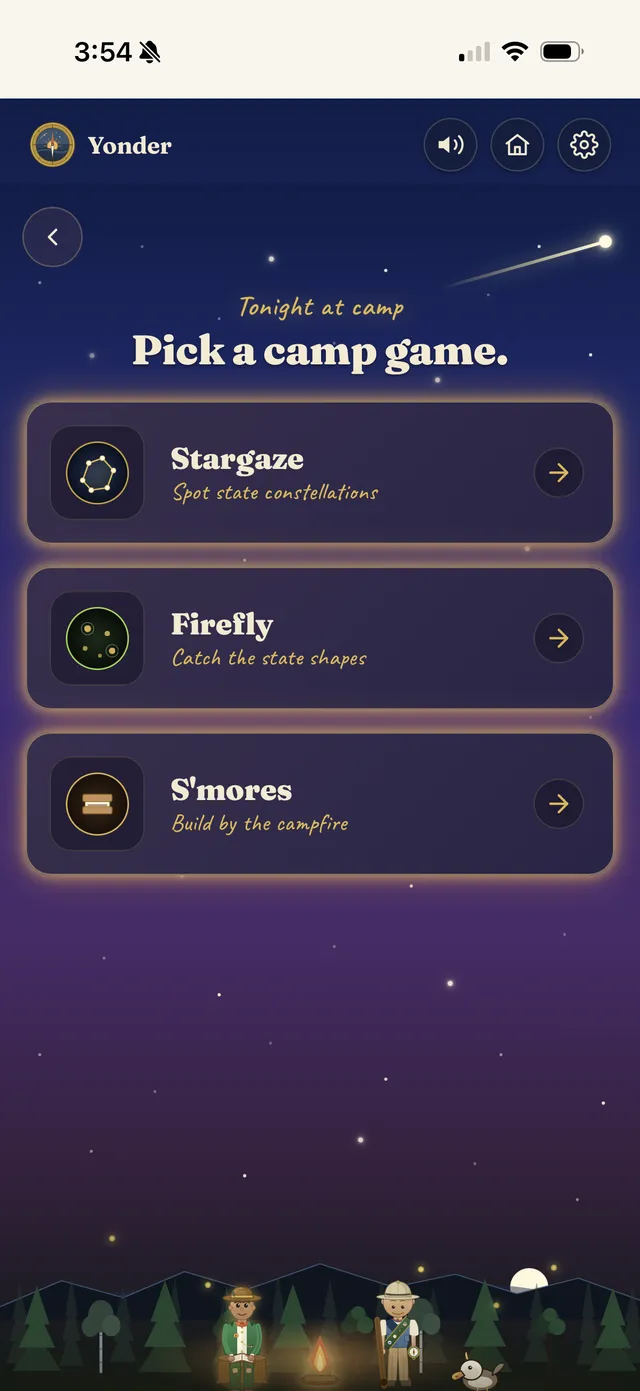
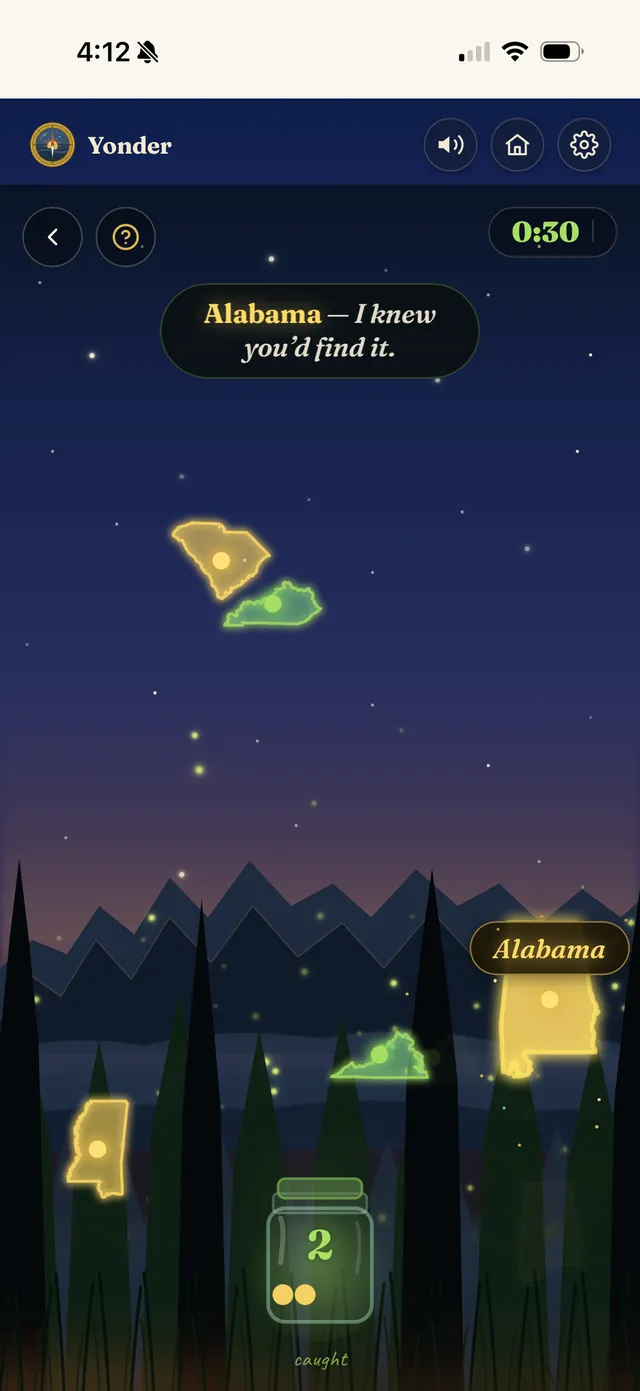
Camp games by the fire
Every night at camp unlocks three calm mini-games — a reward for the day's exploring, and still quietly built from what they've learned.
Built to hand a parent real tools
Not a black box. You can see what's landed, print practice on paper, and have a real conversation about it.
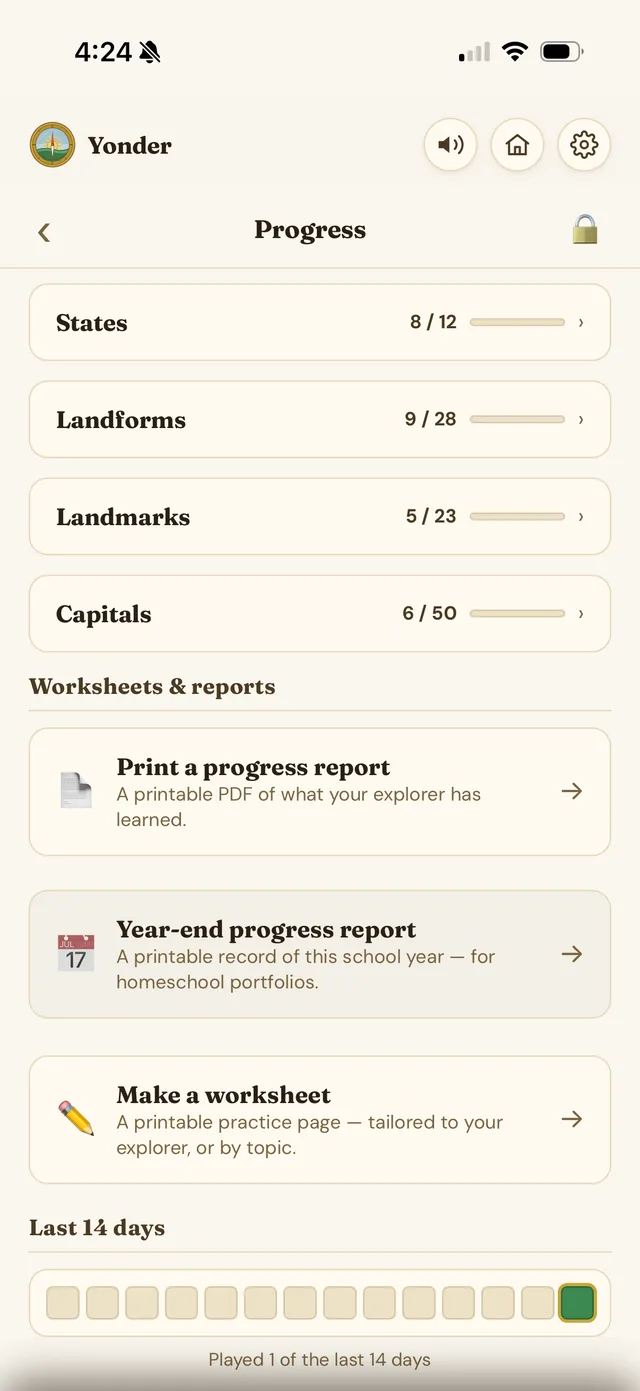
Progress you can read
See exactly what your kid has mastered and what they're still working — states, landforms, landmarks, capitals — then print a full report or a homeschool-ready year-end summary. Everything sits behind a grown-up gate.
…and a printable worksheet generator
Six types — label the map, name the capital, match capitals, locate landmarks, identify landforms — as PDFs tailored to what they're learning, at three difficulty levels, each with an answer key.
Built to be put down
Yonder measures success in what a child has learned — never in minutes spent staring at a screen.
Yonder is coming to iPhone & iPad
We're putting the finishing touches on the trail. Have a question in the meantime?